A note-taking app that guides how you think.
Write by hand on an infinite canvas, follow guided learning techniques, and see how your week of learning went.
Early access on iOS.
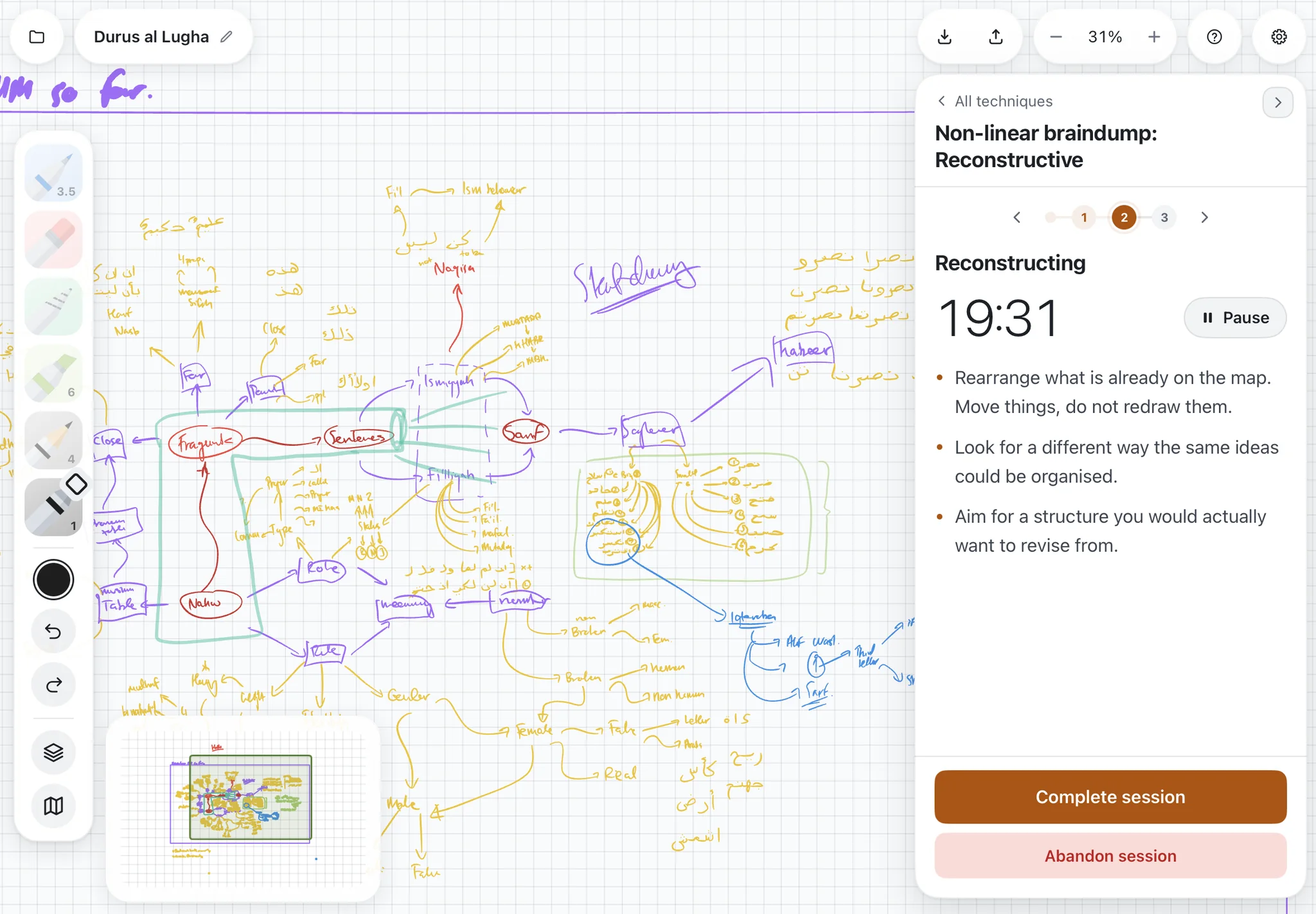
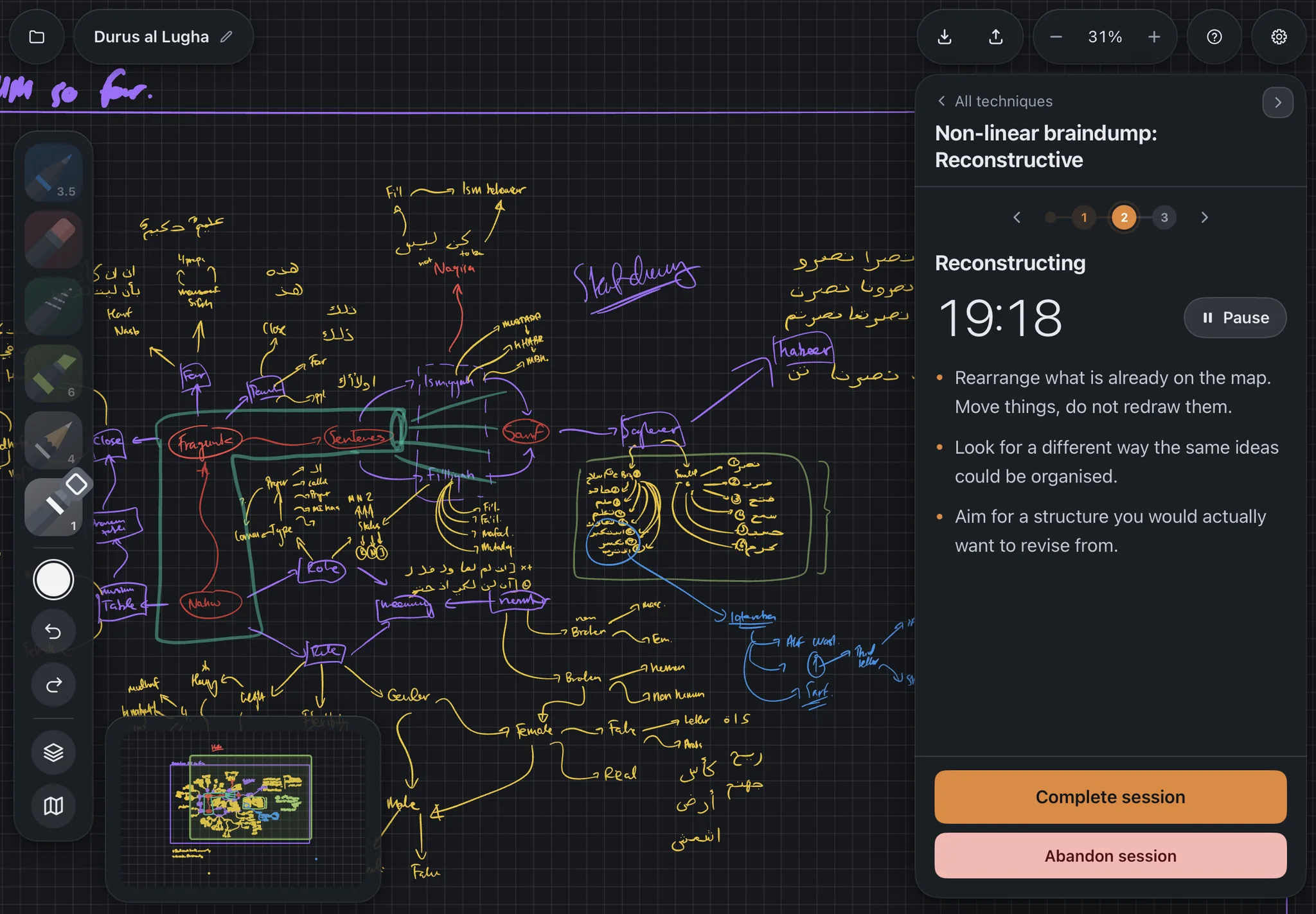
Infinite canvas
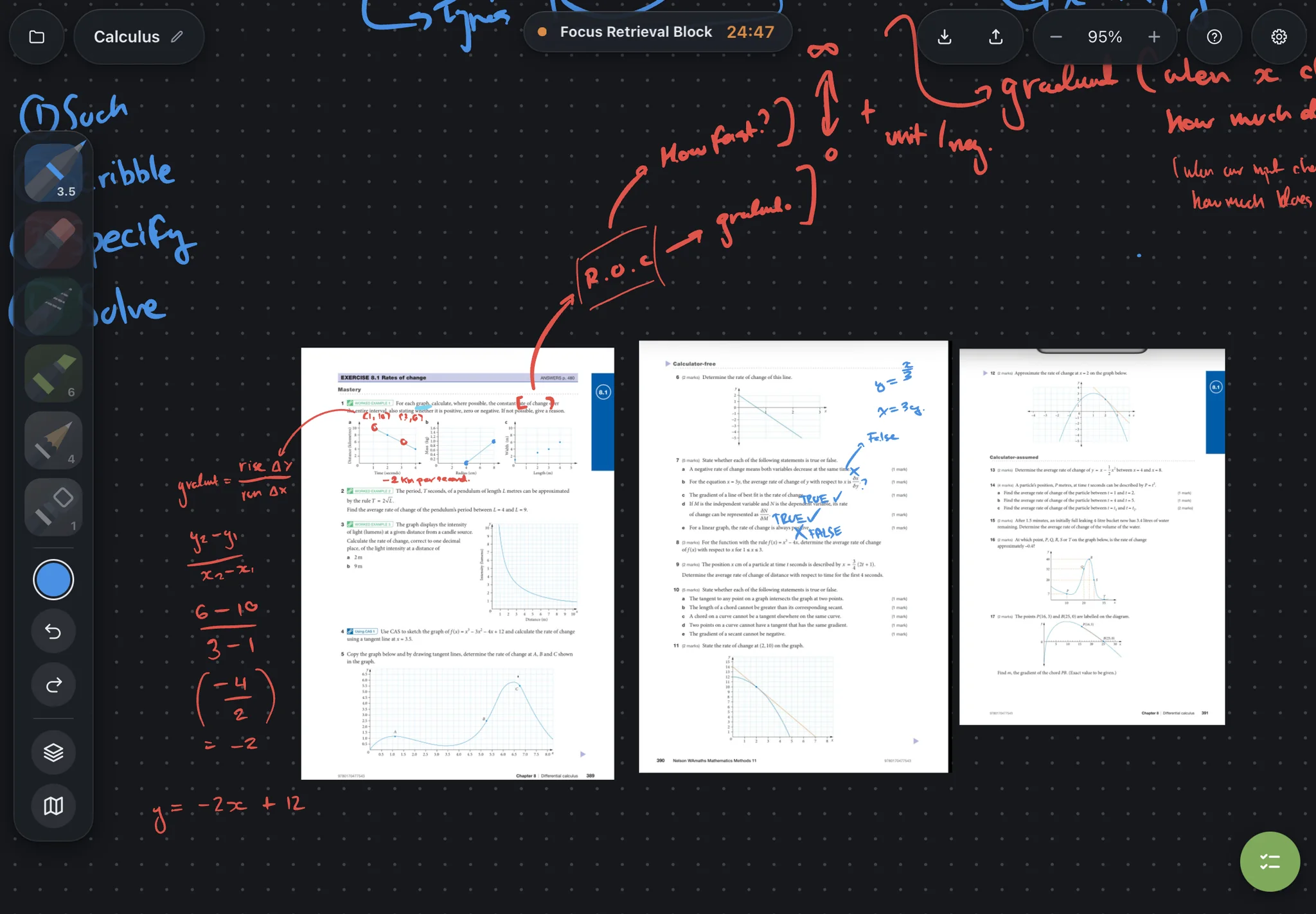
Import your files
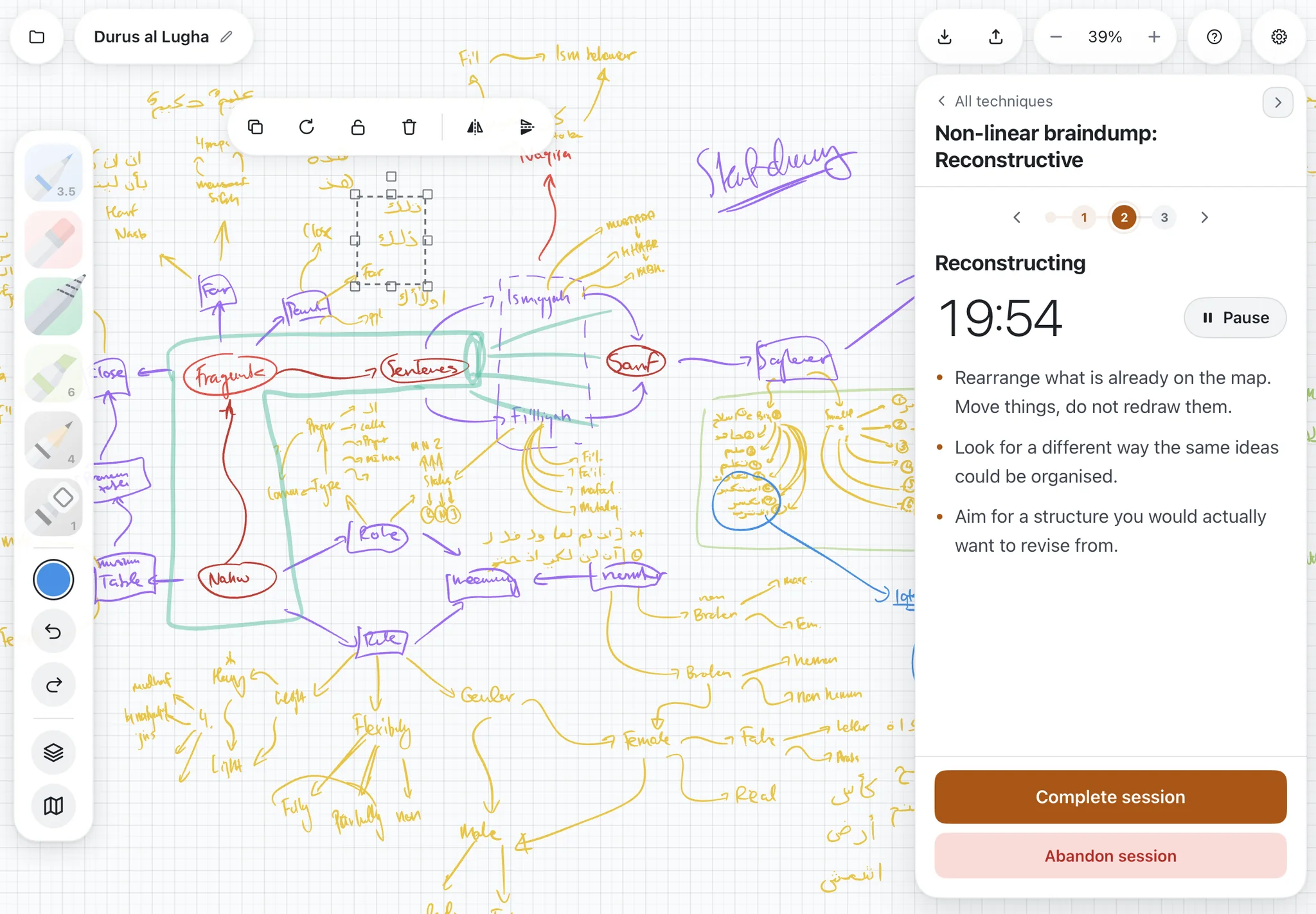
Select and move
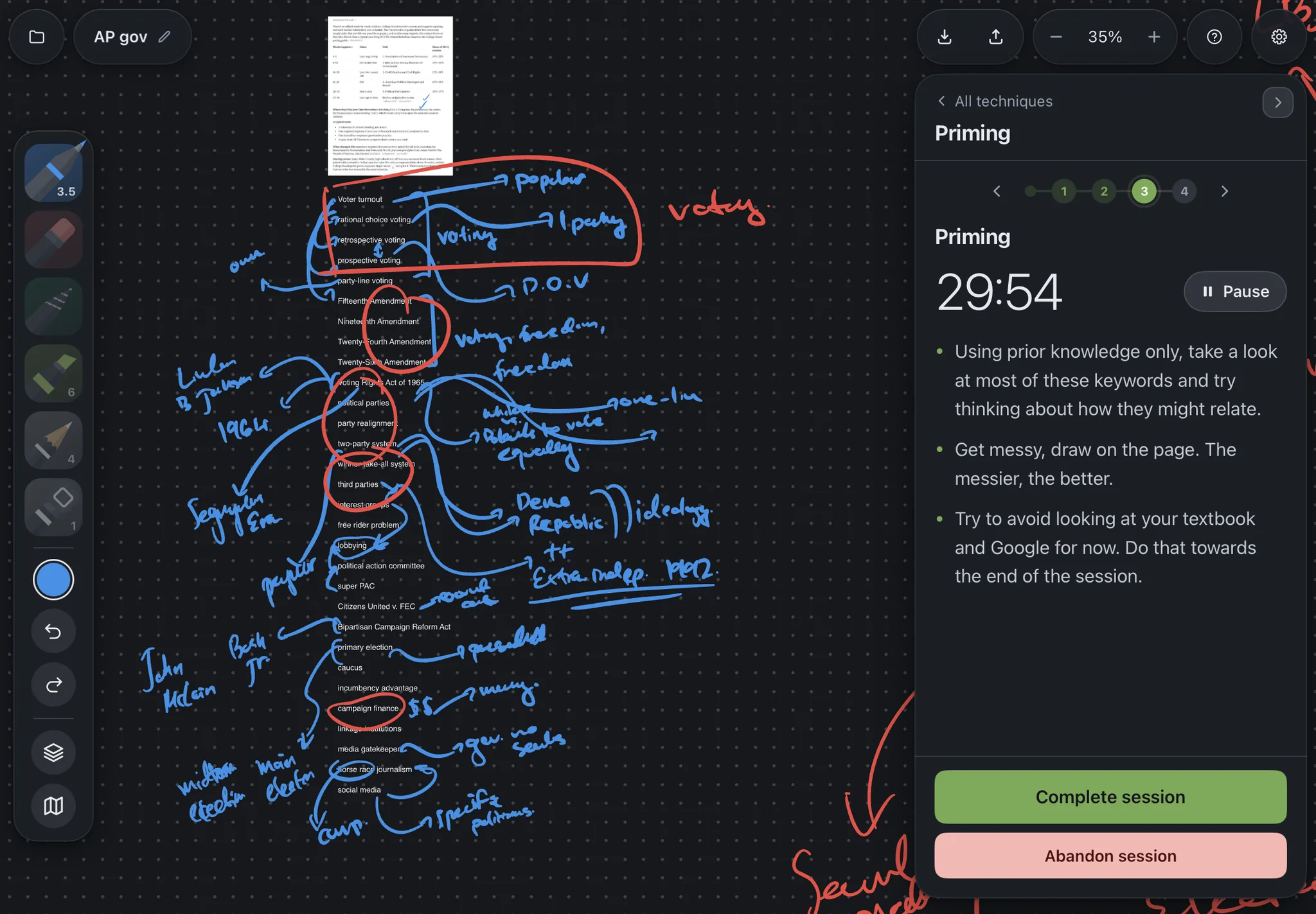
Guided learning techniques
Track your learning progress
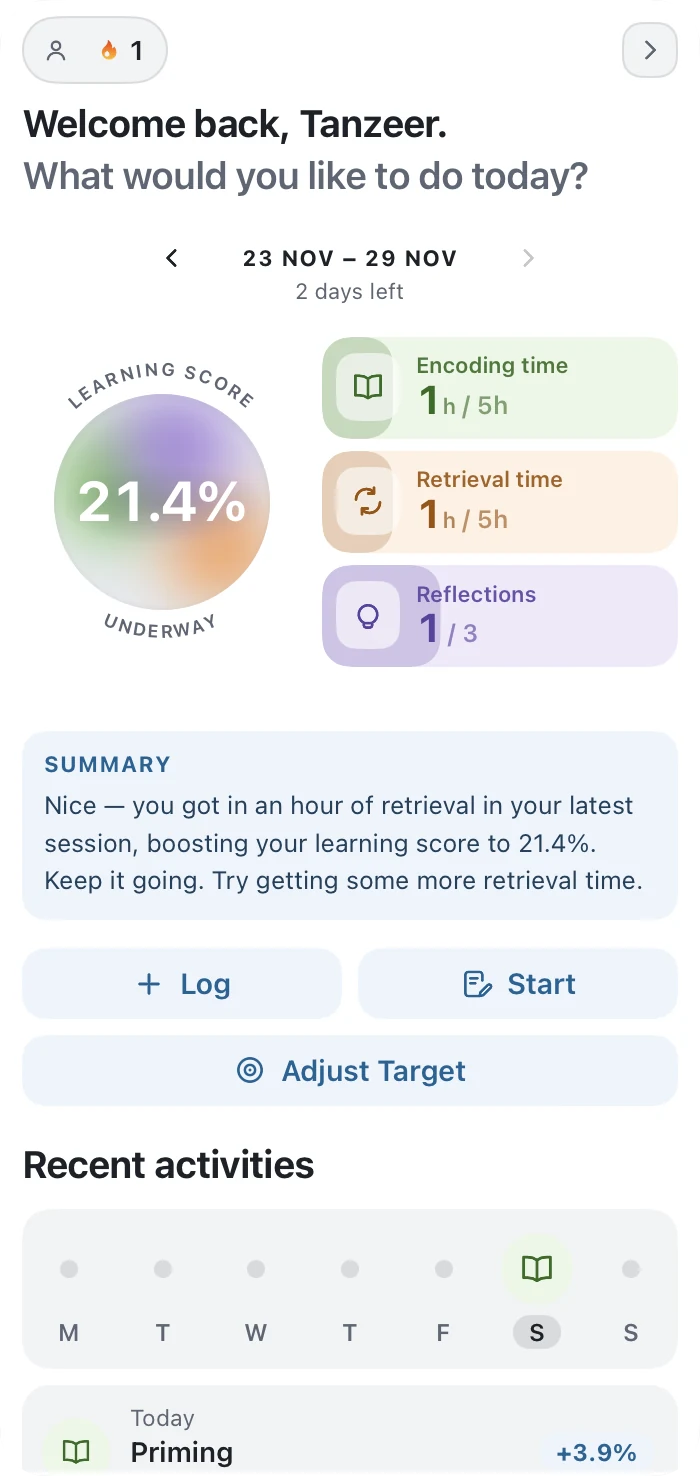
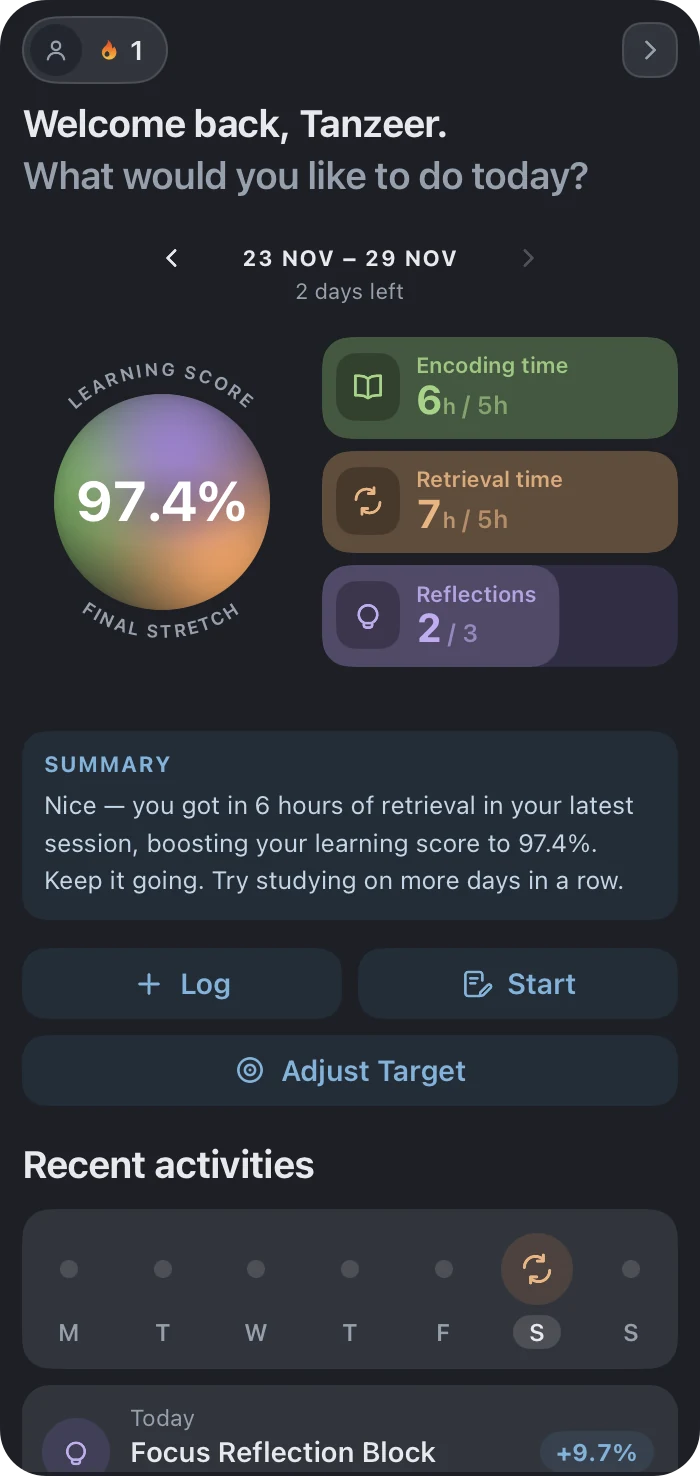
Light and dark mode
What is Schemas?
Schemas is a note-taking app for iOS. You write by hand on an infinite canvas, follow guided learning techniques step by step, and get a score each week for how you learned.
Built with learning science in mind
Schemas is the first note-taking app to guide you through cognitive retraining.
What can Schemas do?
Infinite canvas
Write, draw and connect your ideas by hand, with no page to run out of.
Import your files
Put the pages you're working from on the canvas, and write straight over them.
Select and move
Select anything you've written and move it, without redrawing it.
Minimap
See your whole canvas at a glance, and where you are on it.
Guided learning techniques
Pick a technique and follow the steps, with a timer for each one.
Track your learning progress
Each week you get a score for how you learned, against the targets you set.
What learning techniques are in Schemas?
Pick a technique and follow the steps, with a timer and AI tools available for each one. Every technique is backed by learning science and built around how your brain wants to learn.
Priming
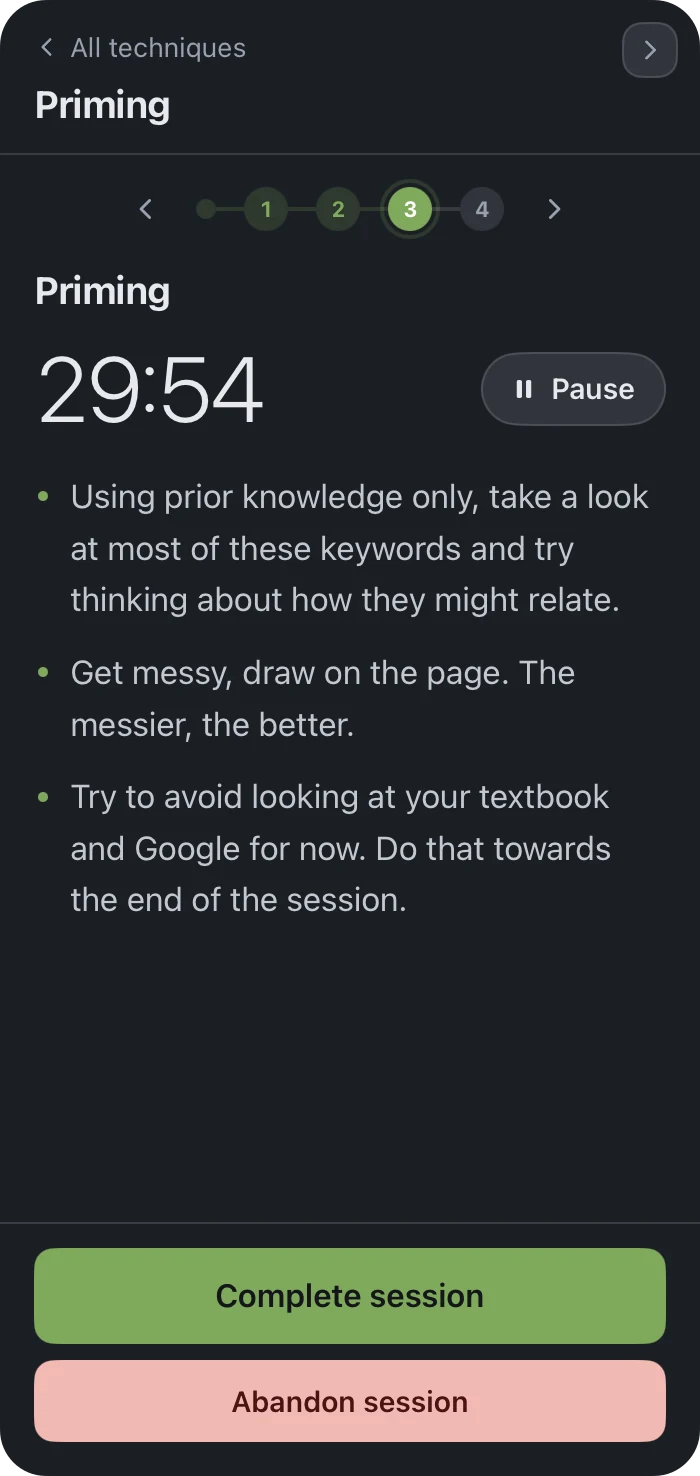
Link a list of keywords using only what you already know.
Confusion Compass
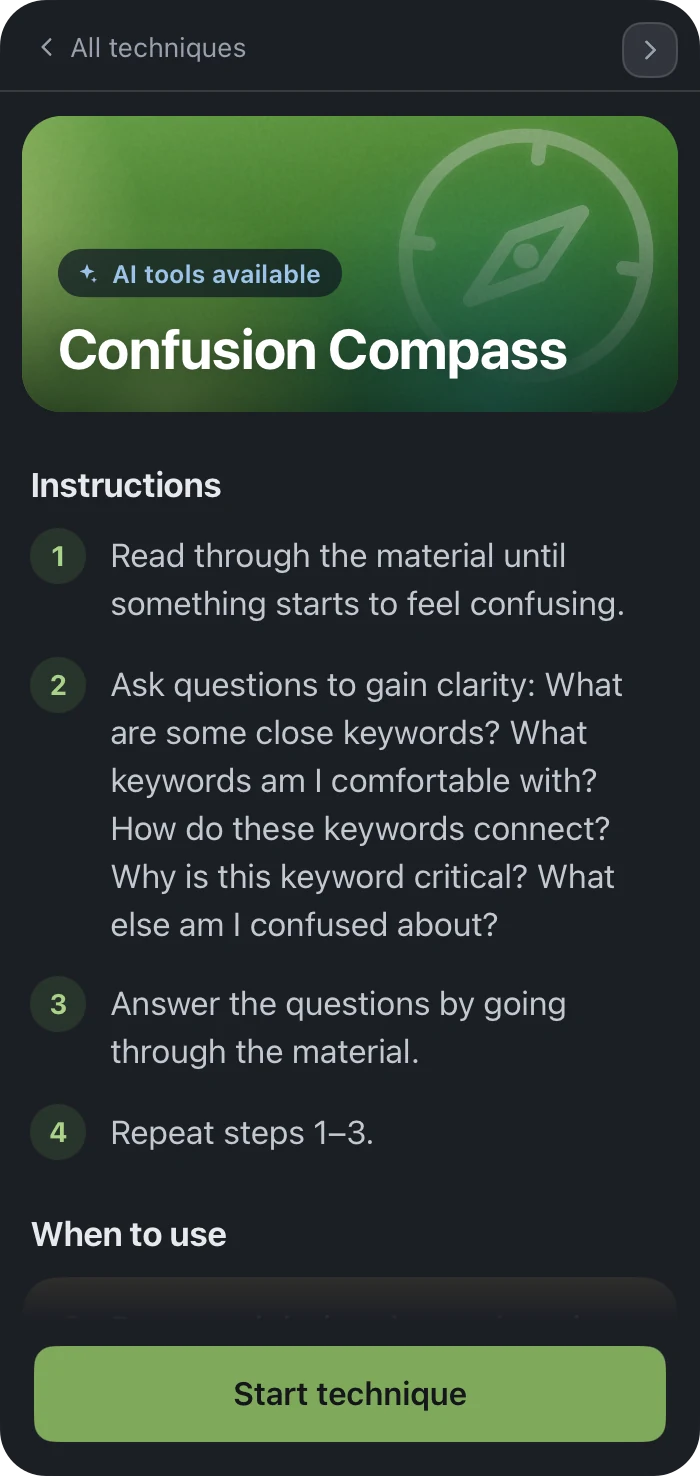
Read until something feels confusing, then ask questions to clear it up.
Non-linear braindump
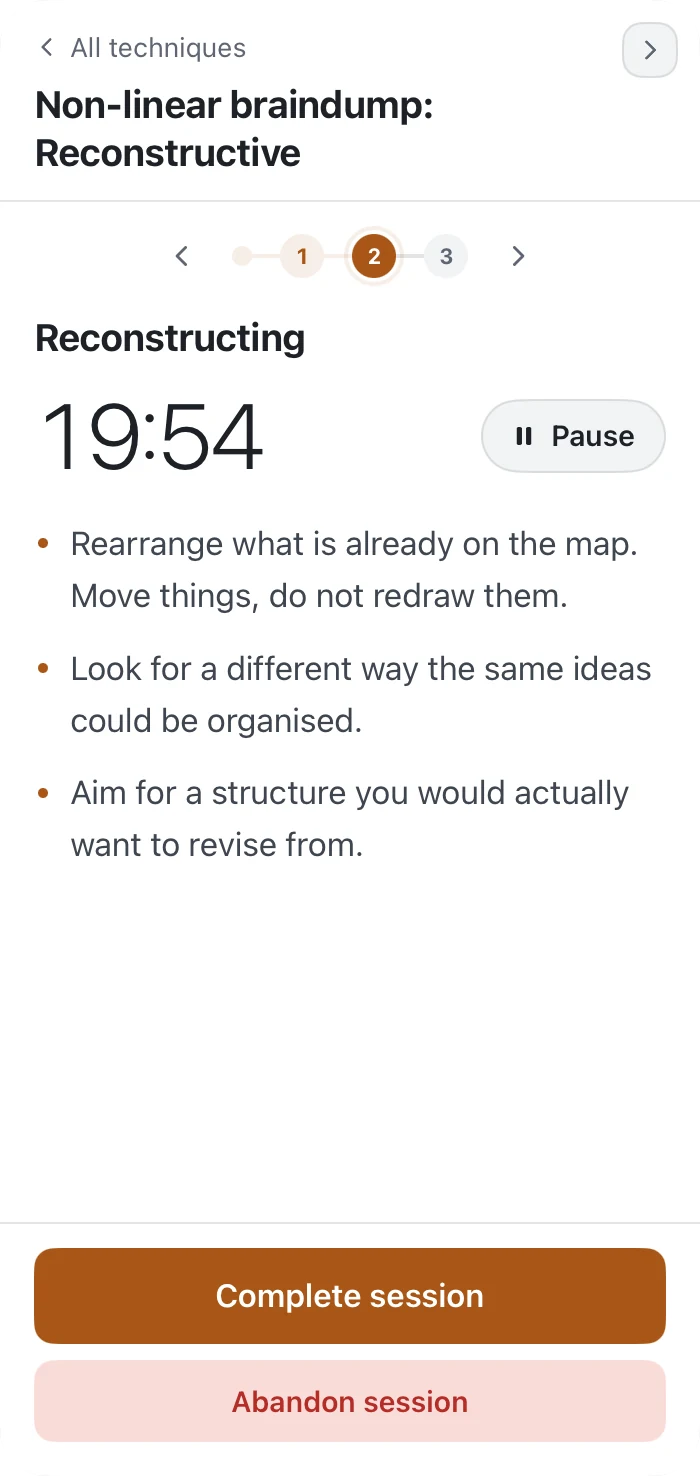
Rearrange what's on your map into a clearer structure.
Focus Retrieval Block

A timer that stays on the canvas while you work.
And more. Want to try them? Get notified for early access
How do you track your learning progress?
Each week you get a score for how you learned. It tracks your encoding time, retrieval time and reflections against the targets you set.
- Encoding time
- Retrieval time
- Reflections
- A short summary tells you what to work on next.
- Log a session, or start one from the panel.
- Each session you finish adds to your score.
Get notified for early access
Schemas is in alpha, so I'm letting people in a few at a time. Leave your email and I'll tell you when there's a spot.
No spam. Unsubscribe whenever.